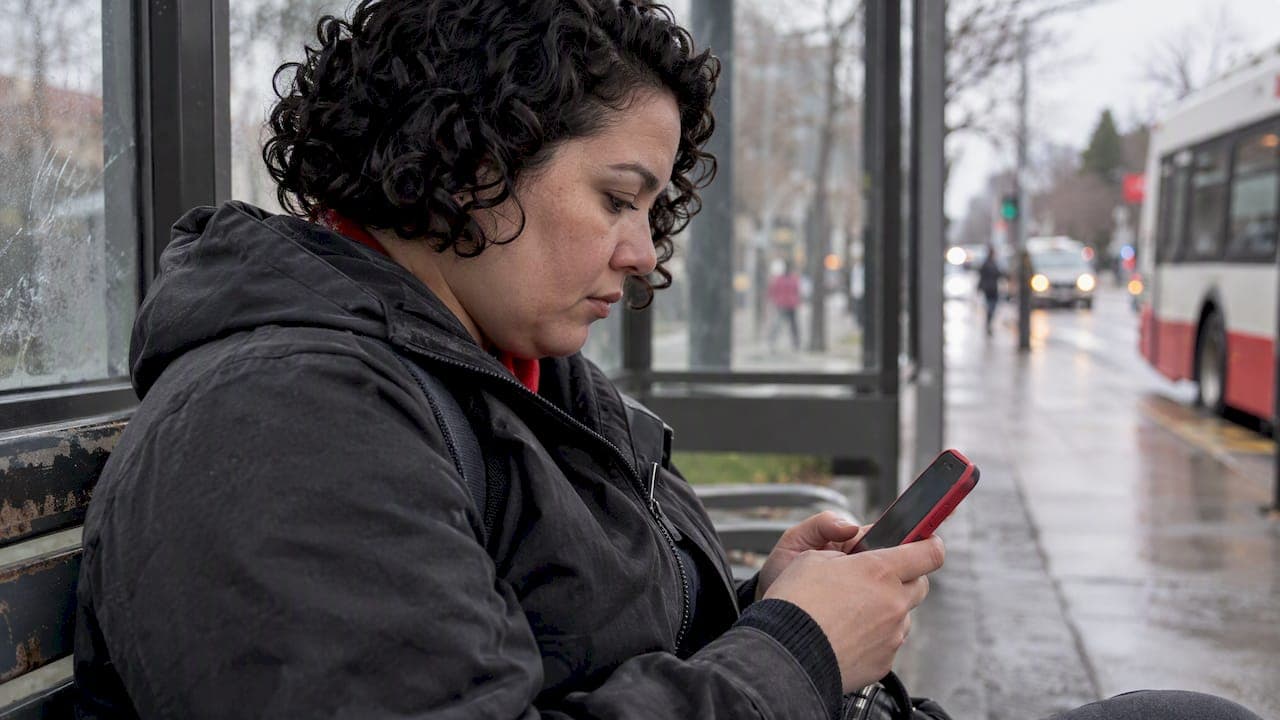
The fastest way to stop abuse in an anonymous app is to use the in-app Report option on the offending post, message, or profile right away. While you wait for moderators to review it, block or mute the sender and take a screenshot so you have a record of what happened. Most platforms review reports against their published community rules, so a clear, factual report moves faster than a vague one.
TL;DR:
- Choose the category that matches the behavior, describe events factually, and attach evidence before submitting because some apps lock reports afterward.
- Save a screenshot, exact timestamp, visible profile identifier, and related messages; anonymous conversations may disappear when accounts are deleted or threads expire.
- If capturing evidence would keep you in a harmful conversation, block first and report afterward with remembered details; muting hides contact without fully blocking.
- Review times vary by platform and case complexity; providers may give an estimated timeframe, not a firm deadline, while keeping reporters’ identities confidential.
Table of Contents
- How to file an in-app report step by step
- What moderators need to act on your report quickly
- Immediate safety steps to reduce harm right now
- What happens after you submit a report
- Reporting tools should be easy to use and accessible
- Where Echoes puts reporting tools and safety resources
- Why reporting protects you and everyone else on the platform
- Find Echoes safety tools and start sharing anonymously
- FAQ
- Sources
How to file an in-app report step by step
Most anonymous apps build reporting into the same few places: a long-press on a post or message, a three-dot or flag icon on a profile, or a dedicated report button inside a conversation thread. Finding the right entry point is usually the hardest part, since the icon is often small and easy to miss on a first pass.
Once you open the report flow, you will typically choose a category such as harassment, hateful content, sexual content, or self-harm concerns. Picking the category that actually matches what happened matters: a harassment report routed as spam can sit in the wrong review queue and take longer to reach the right team.
A typical in-app flow looks like this:
- Long-press the post, comment, or message, or tap the three-dot menu on the profile.
- Select "Report" from the menu that appears.
- Choose the category that best describes the behavior, such as harassment or hateful content.
- Add a short, factual description of what happened.
- Attach a screenshot or file if the app supports uploads, then submit.
If the app allows attachments, add your screenshot or saved message text at this stage rather than after submitting, since some flows lock the report once it is sent.
What moderators need to act on your report quickly
A report with specifics gets handled faster than one with general complaints. Moderators work through queues, and a report that answers who, what, when, and where lets them make a decision without chasing you for follow-up details.
Before content disappears, gather:
- A screenshot of the message, post, or profile showing the abusive content.
- The exact timestamp and, if visible, the username or profile identifier involved.
- The specific wording used, copied exactly if you cannot capture an image.
- Any related messages that show a pattern rather than a single incident.
Capturing screenshots or saving logs preserves a record of offensive content before it gets removed or deleted, which matters because conversations in anonymous apps often disappear quickly once a user deletes an account or a thread expires. Attach media directly when the app supports it; if not, write down the exact wording and time in your report description.
Pro Tip: Keep your report description factual and calm. Inflammatory language can make a report harder for a reviewer to triage, while a plain account of events moves through review faster.
Immediate safety steps to reduce harm right now
Filing a report is only half the response. Using immediate safety tools like block or mute stops further contact while your report sits in the review queue, and you do not need to wait for a moderation decision before protecting yourself.
- Block the user to stop them from messaging or viewing your activity going forward.
- Mute a conversation or group thread if you want it out of sight without fully blocking.
- Leave a group chat entirely when the abuse is coming from multiple members at once.
- Adjust privacy settings to limit who can message or mention you directly.
Your safety comes first. If capturing a screenshot would mean reading more abusive content or staying in a harmful conversation longer than necessary, block first and report afterward using whatever detail you remember. Anonymity cuts both ways here: it protects you, but it also means a platform usually cannot identify the other person beyond their in-app profile, so persistent or severe harassment may call for support beyond the app itself.
What happens after you submit a report
Most platforms move reports through a triage step, a review by a safety team, and then an action if the content violates stated rules. Possible outcomes range from content removal to a warning sent to the reported account, up to a suspension for repeated or severe violations.
- Triage: the report is sorted by category and urgency.
- Review: a moderator checks the content and any attached evidence against platform rules.
- Action: outcomes range from no action, to content removal, to account restrictions.
Timing varies by platform and case complexity. Guidance on reporting systems recommends that providers acknowledge receipt of a complaint and give an indicative timeframe for a decision, rather than leaving reporters without any sense of what comes next.
Confidentiality is standard practice: reporters are generally not disclosed to the person they reported, which protects you from retaliation while the review happens. If you do not hear back within the stated window, most apps offer a support ticket or help center article where you can follow up on the status.
Reporting tools should be easy to use and accessible
A reporting flow that takes more than a few taps or swipes discourages people from using it at the moment they need it most. Guidance on reporting systems calls for tools that are clearly accessible and usable with assistive technologies, including keyboard navigation and screen reader support, not just a tap-based flow designed for one input method.
Clear category labels matter too. A short explanation under each option, such as distinguishing harassment from hate speech, helps you pick the right one on the first try instead of guessing. After you submit, you should see a confirmation message and an estimated timeframe for review, so you know the report went through and roughly when to expect a response.

Where Echoes puts reporting tools and safety resources
Reporting controls sit directly on posts, comments, and conversations, so you can flag something without leaving the screen you are on. Our Community Guidelines spell out what counts as a violation and how reports get handled, and we built the reporting flow around the same anonymity-first approach that shapes the rest of the app.
Reports are kept confidential and immediate self-moderation tools, block and mute, are available, so you are never stuck waiting on a review before you can stop unwanted contact. These controls exist because anonymity should mean freedom to share, not exposure to harassment.
Why reporting protects you and everyone else on the platform
Reporting abuse is not about being a troublemaker. It is a direct way to protect yourself and the next person who might run into the same behavior. International guidance frames reporting as a community safety tool that benefits the whole user base, not just the person who files it.
Use the tools honestly and specifically, and skip reporting as a way to settle an argument or silence someone you simply disagree with. Responsible, accurate reports keep the review queue trustworthy for everyone who relies on it.
— John
Find Echoes safety tools and start sharing anonymously
We built Echoes around one idea: you should be able to share a real thought without a public profile, a follower count, or the performance pressure that comes with them. That same anonymity-first design shapes how reporting works here, with block and mute available instantly and a moderation process that keeps your identity out of it.

| What you get | Where to find it |
|---|---|
| In-app reporting on posts, comments, and messages | Available directly on the content itself |
| Immediate block and mute controls | Accessible from any profile or conversation |
| Platform rules and reportable behaviors | Echoes Community Guidelines |
| Anonymous sharing without profiles or followers | Echoes anonymous social app |
Take a minute to look over your privacy settings and see how the reporting and blocking tools work before you need them. Visit Echoesapp to get started or learn more about how Echoes handles safety.
FAQ
What is the fastest way to report abuse in an anonymous app?
Use the in-app Report option on the specific post, message, or profile, which is usually reached through a long-press or a three-dot menu. Choose the category that matches what happened and add a short, factual description so moderators can act without needing follow-up.
Should I block someone before or after reporting them?
Block or mute as soon as you feel unsafe, even before you finish filing the report. Immediate safety tools like block and mute stop further contact right away, and you can still submit your report afterward using whatever details you remember.
What evidence should I save before reporting abusive content?
Save a screenshot of the content, the exact timestamp, and any visible username or profile identifier before the content disappears. Preserving screenshots or saved logs matters because conversations in anonymous apps can be deleted quickly.
Will the person I report find out it was me?
Reporting systems are generally designed so that reporters are not disclosed to the person they reported, which protects you from retaliation. Platforms keep this confidentiality as standard practice across most reporting flows.
How long does it take for a report to be reviewed?
Review times vary by platform and case complexity, and many platforms acknowledge receipt and give an indicative timeframe for a decision rather than an exact deadline. Simple cases with clear evidence tend to move faster than reports that need more investigation.